


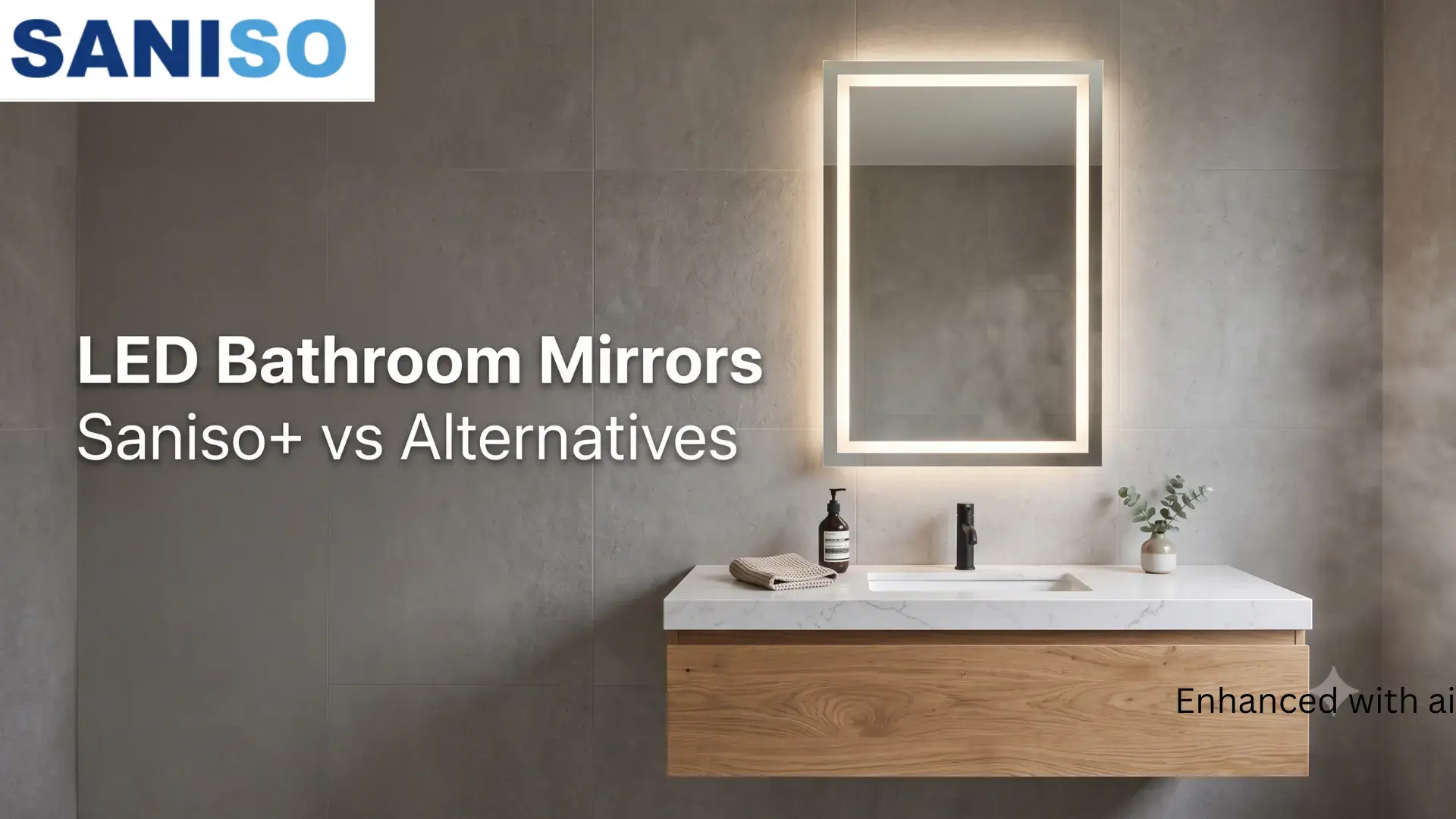
Comparing LED bathroom mirrors before you buy? See how the Saniso+ mirror stacks up on dimming, sizing, and water resist...

Your online building supplies store for building and renovation
 English
✓
English
✓
 Nederlands
✓
Nederlands
✓
A new bathroom starts with a clear overview: how big is the room, what has to be removed, which tiles, which shower, which vanity unit? With the Saniso bathroom configurator you can work through all of that step by step. In this blog you will read how the configurator works, what you fill in at each point, what you get at the end and how to get the most out of it.
Bathroom configurator
Put your bathroom together in over twenty steps, with a live calculation next to your choices.
You will find the Bathroom renovation configurator on saniso.nl under "Our services". There you set out your wishes for a bathroom renovation online: from the dimensions and the demolition work to the tiling, the shower, the bath, the vanity unit and the toilet. According to the configurator itself, it covers the work; you choose the materials, such as tiles and sanitaryware, separately in the Saniso webshop.
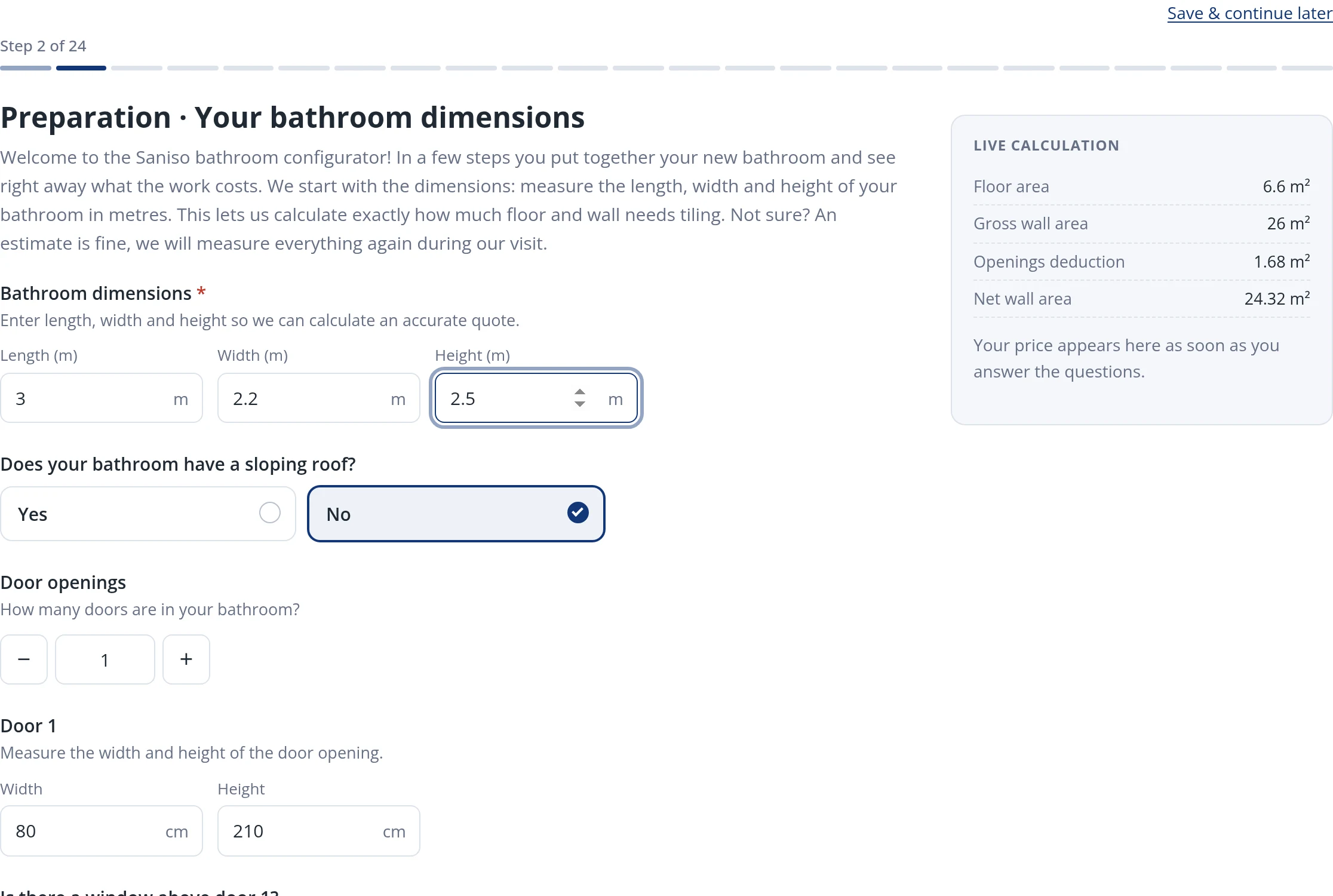
Next to your choices there is a live calculation. While you fill in the form it shows, among other things, the floor area, the wall area and the area of doors and windows. That way you see straight away what your input means. Don't have everything to hand? The configurator says it itself: an estimate is fine, and the measurements are checked later.
At the top you will see a progress bar saying "Step ... of ...". Use Continue to go to the next step and Back to return. You have to answer every step, even if you do not want a particular item: simply choose "None". The sections below follow the order of the configurator.
The first step is about convenience during the works. You say whether there is a second toilet and a second shower in the house. If not, you choose whether Saniso rents a mobile toilet or mobile shower, or whether you arrange that yourself. If you choose to rent, you also enter the number of weeks.
Now you enter the length, width and height. Then you say whether the bathroom has a sloping roof and, if so, how low it gets and in which direction the ceiling slopes. After that you enter the number of doors and windows with their width and height, and whether there is a window above the door. You also choose whether a new window sill is needed and in which material. The configurator deducts the doors and windows from the tiling.
Next comes the location: which floor is the bathroom on, do materials have to be carried upstairs and can we park? Then you choose how the work area is protected, for example masking the walking route, frames and stairs.
You choose whether the current bathroom is completely demolished and whether the screed has to come out too. Then you decide what happens with the demolition waste, for example removal to a Saniso container or placing it ready in the garden.
This series of steps is about the work behind the wall. You say how the water and drain pipes are handled (fully or partly new, or keeping the existing pipework) and whether you want a washing machine connection. Lighting, power points, ventilation and heating follow.
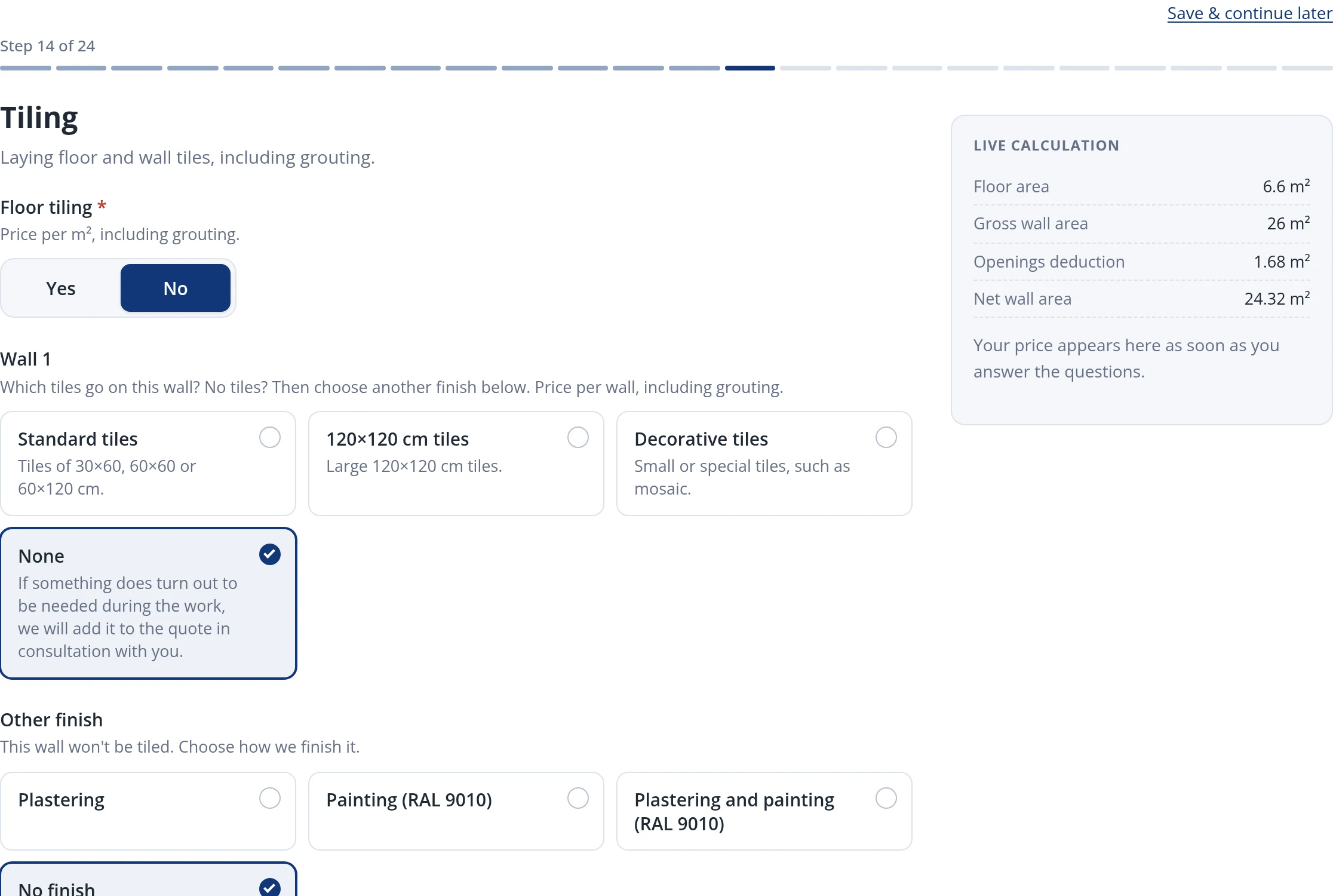
A flat, waterproof substrate is the foundation of a bathroom that lasts. The configurator asks here about the screed and waterproofing. Then you choose the tiling: whether the floor is tiled and, per wall, standard tiling, 120 × 120 cm tiles or decorative tiles such as mosaic. If a wall gets no tiles, you choose another finish, such as plastering or painting. You also fill in the type of threshold and the height to which you tile. After that come built-in accessories, such as niches in the wall.
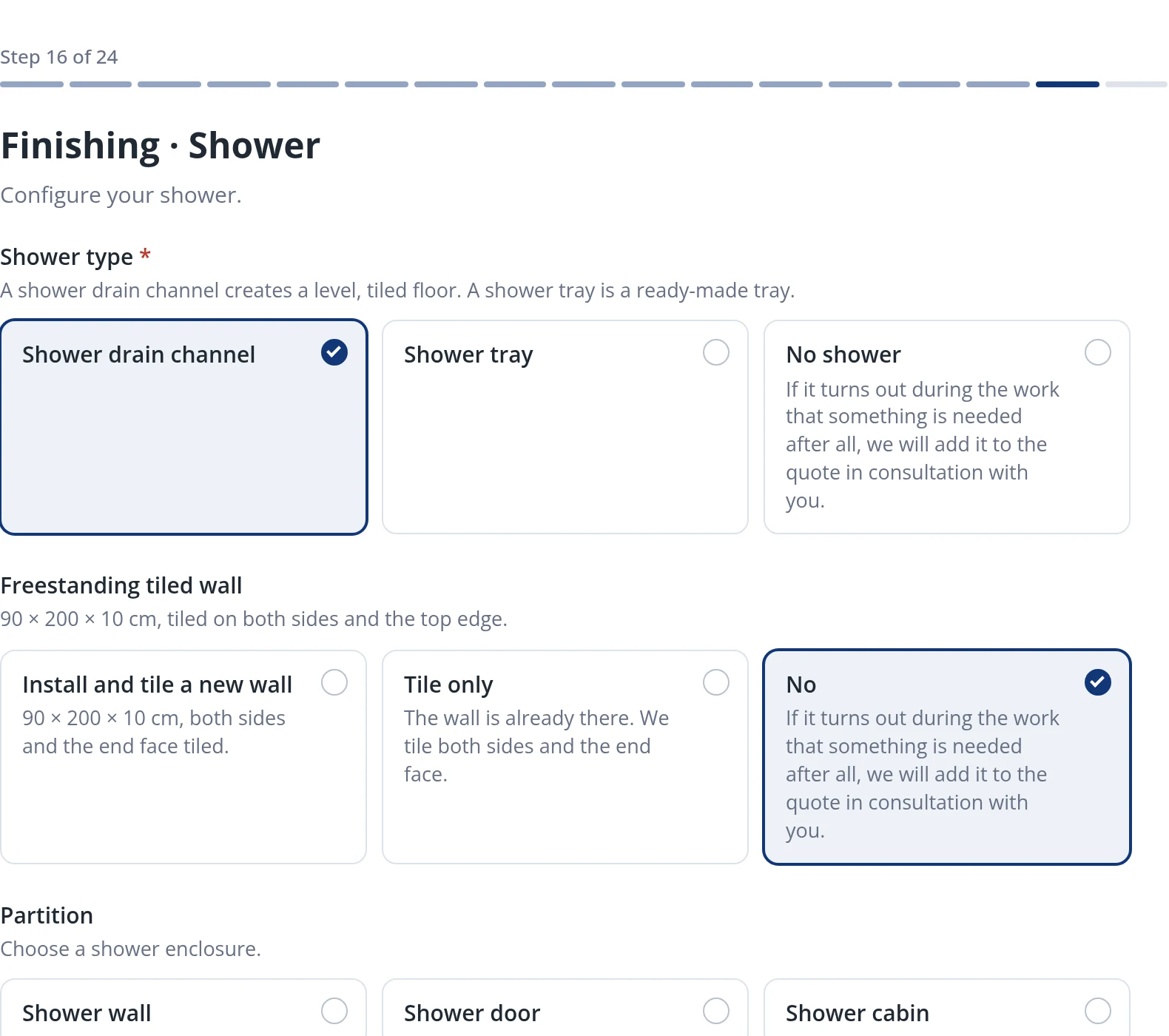
Now you put the bathroom itself together. For the shower you choose a shower channel or a shower tray, the screen and the tap. For the bath the type (for example built-in or freestanding) and the tap. For the vanity unit the number of units, taps, mirrors and wall cabinets and the position of the drain. For the toilet you choose between a floor-standing toilet and a wall-hung toilet with a concealed cistern.
The last steps about the work itself cover the ceiling finish (for example a lowered ceiling, plastering or painting), whether the seams are sealed and how the bathroom is handed over.
In the last step you leave your name, email address, phone number, postcode and house number and your preferred start date. You can optionally add photos or a floor plan, and use the comments field for questions or wishes. With the button at the bottom you view and complete your configuration. Saniso will then contact you.
No. An estimate is fine. We check the measurements during the survey.
Yes. Use "Save & continue later". You can log in to save the configuration in your account or have a link sent to your email address.
No. The configurator is about the work. You choose tiles, sanitaryware and other materials separately in the webshop, for example in the bathroom equipment and ceramic tiles categories.
The calculation is indicative. It becomes final after checking and measuring.
The configurator is a page on saniso.nl and opens in your browser. Use a recent browser and enable JavaScript.
While you fill in the configuration you can already look at materials. For tiles, Saniso has the wall tiles, floor tiles and wall and floor tiles categories; for the bathroom itself bathroom furniture and fittings, toilets and sanitaryware and the wider bathroom equipment category. Looking for inspiration? Visit the Design Lab. Want to read more? The blog Cersanit at Saniso covers a brand with tiles and sanitaryware for the whole bathroom, and our blog about bathroom products has more tips.
Tiling yourself? Then read our guides: how to tile a floor: step-by-step guide and how to tile a wall: step-by-step guide.
Read also: How to hang a bathroom mirror
Start now with the Bathroom renovation configurator. Do you have a bigger project, or would you like to talk it over first?
Unsure about pipework, electrics or the substrate? Do call in a professional.
Read also: How to install a shower enclosure: step-by-step DIY guide
Saniso – Build your home with Saniso.
Read also: How many spots do you need in the bathroom?, a calculation guide for the ceiling spots once your bathroom layout is set.
Read also: Buying shut-off valves and ball valves: what to look for
Share:
Comparing LED bathroom mirrors before you buy? See how the Saniso+ mirror stacks up on dimming, sizing, and water resist...

Grout in one even colour across the whole wall or floor: that is what you want. In this blog we explain how the hybrid R...
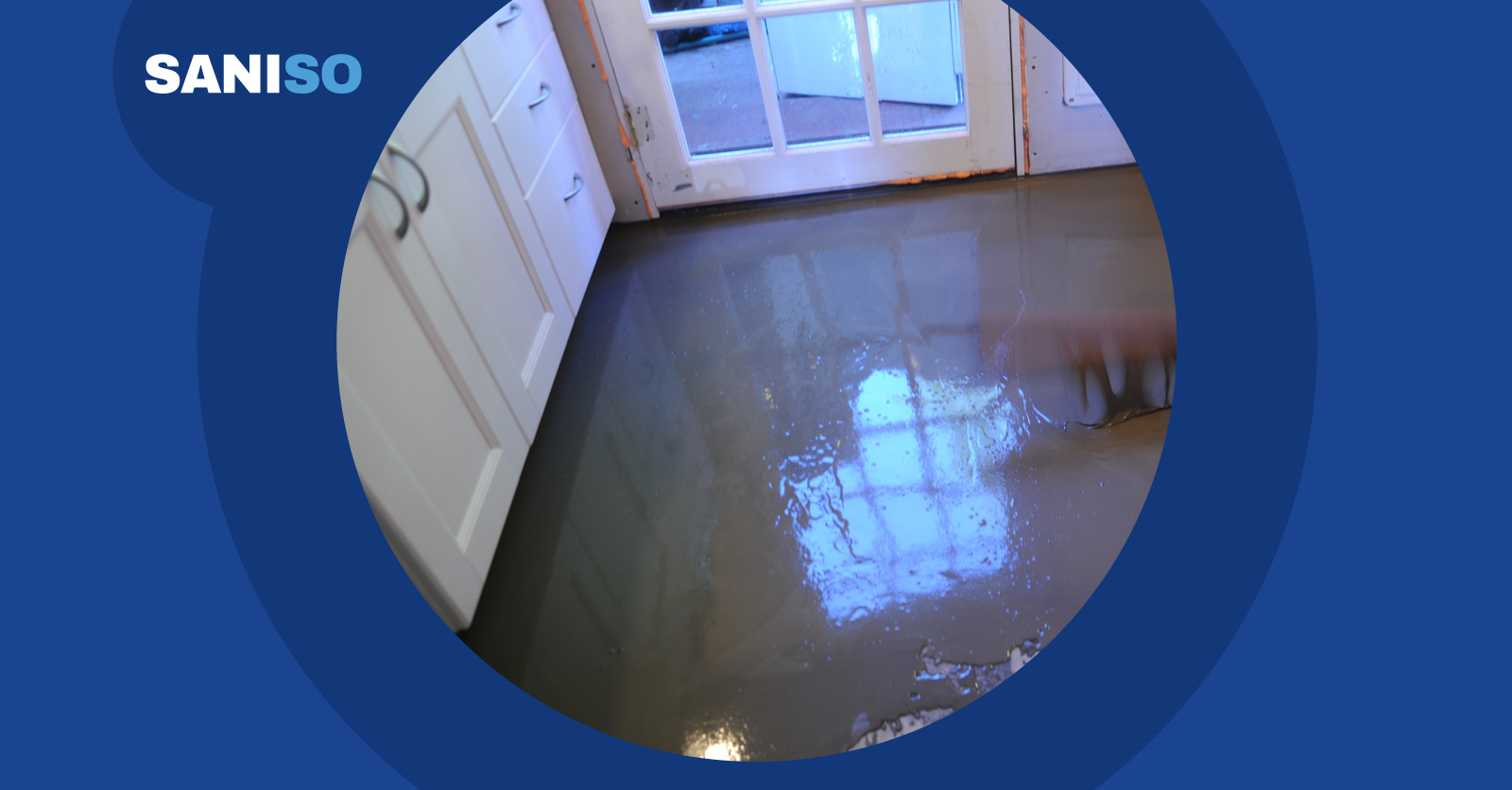
Learn how to level a floor yourself: prepare the subfloor, prime, mix and pour self-levelling compound. Step-by-step wit...
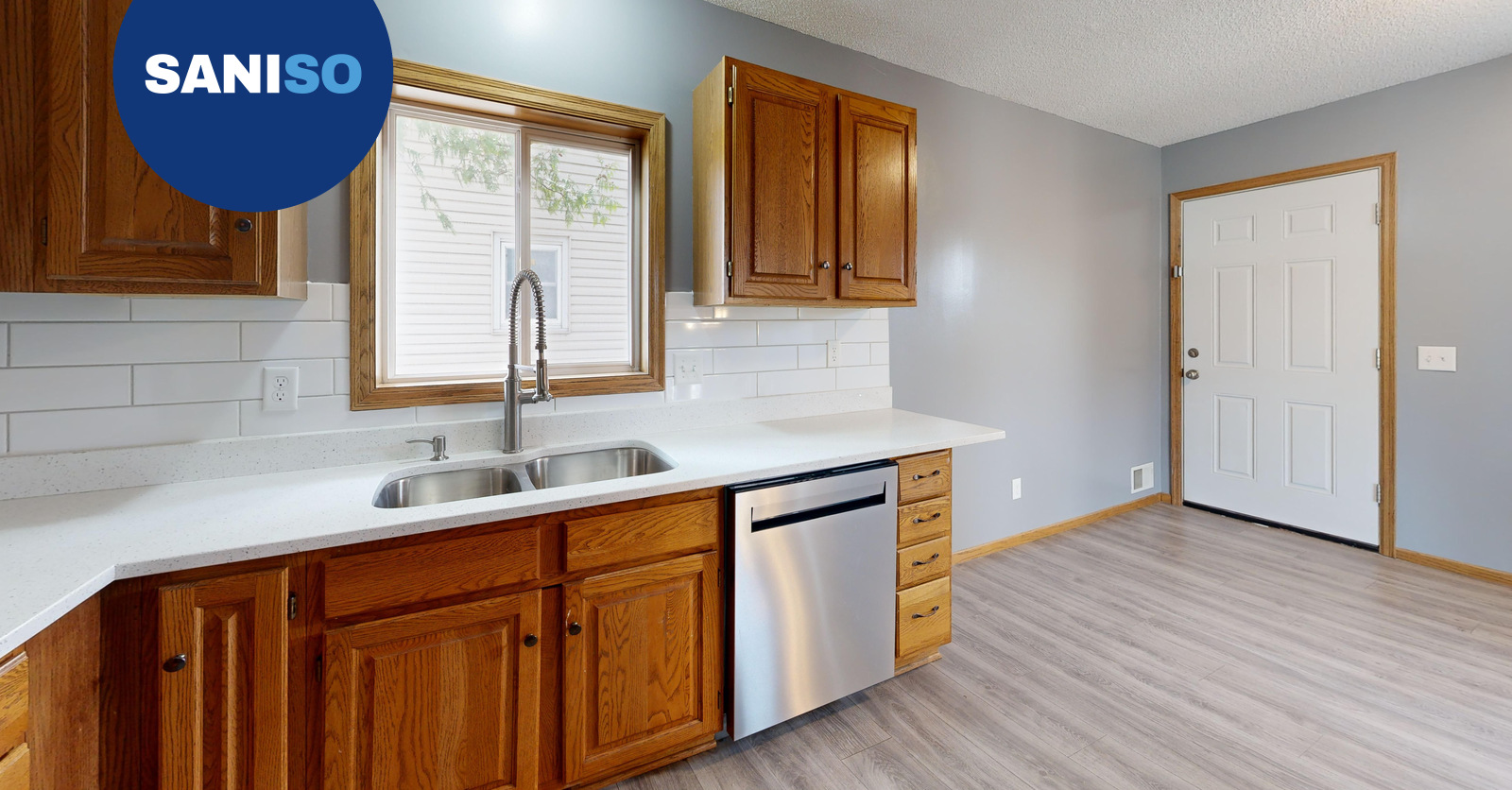
Installing a kitchen: do it yourself or hire a professional? Read what is involved, which parts you can do yourself and...